3. Factory Program Download Instructions
The factory default does not include a pre-flashed program. The program to be downloaded—“APP Remote Control”—includes basic functions such as motion control and ultrasonic features.
3.1 Getting Started
First, follow the instructions in 1. Read First to assemble the AiNova robot. Also, install the WonderCode programming software according to 2. Programming Software Installation.
3.2 Program Download
(1) Connect the AiNova robot to your computer using a USB data cable.
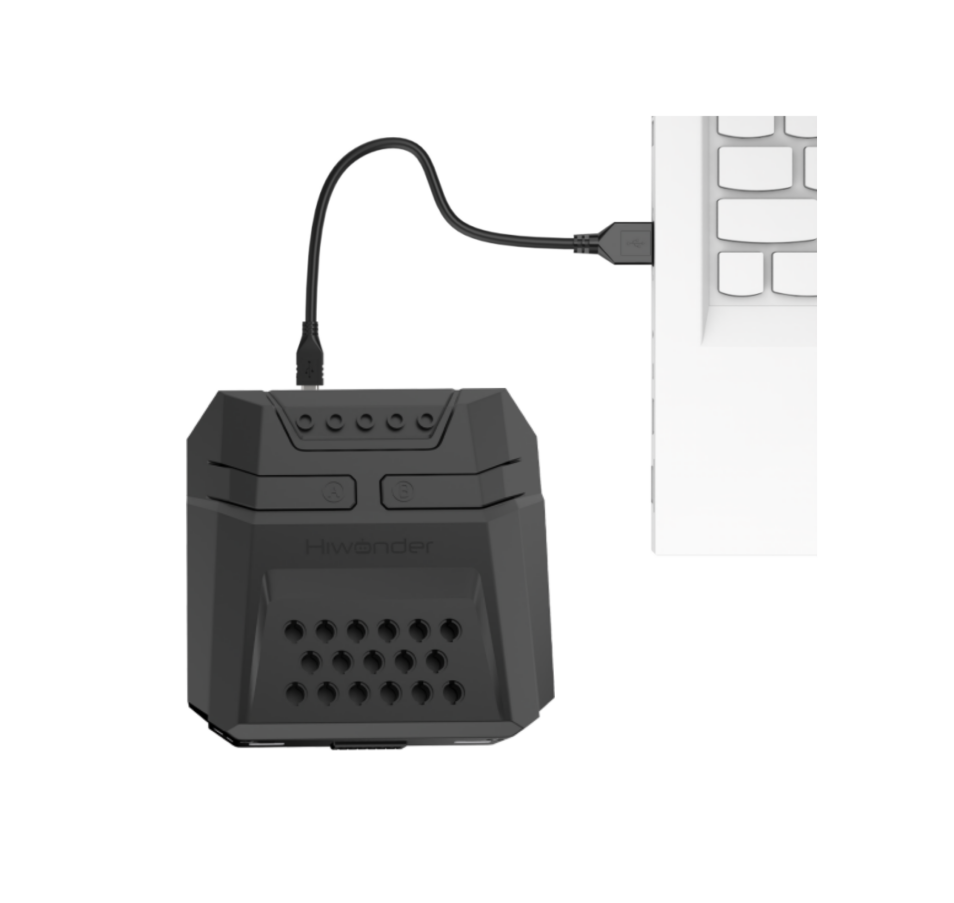
(2) In the WonderCode main interface, click “Connect”, and select the corresponding port. The port number varies based on your computer. In the example below, it is COM3.
Note
Avoid selecting COM1, which is usually reserved for system communication.
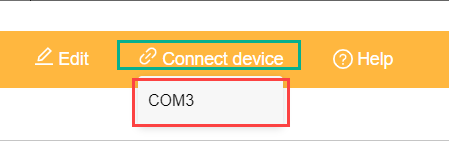
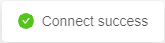
(3) Drag the file Factory Program.sb3 into the WonderCode interface.

(4) Click “Upload” button under upload mode in the right side.

(5) Wait for the upload to complete.

3.3 Program Execution
You can go to 4. APP Remote Control to view a demo of the program in action.